
Three buildings, one network: wireless links across the rooftops

Reading time approx. 5 minutes
Not every business works from a single building. One of our clients keeps its servers in the main building, but staff also work from two other buildings nearby. They need the same fast, secure access to the files and applications on those servers.
So the question was simple: how do we link the three buildings together without adding needless cost or complexity?
One network, no extra internet connections
One option was to connect the buildings over a VPN. Each building then gets its own internet connection, and traffic between the sites travels across it. That works, but it means paying for extra internet subscriptions. On top of that, the speed you actually get depends on the internet connections at both ends.
The main building already had a fast internet connection, so we took a different approach: a wireless point-to-point link from the main building to each of the other two.
That connects both satellite sites directly to the main building's network. Staff reach the same servers and the same files. The satellite sites don't even have an internet connection of their own: everything runs over the wireless link.
What is a point-to-point wireless link?
A point-to-point wireless link connects two fixed locations without a cable. We mount an antenna on the roof of each building, aimed straight at the antenna on the other.
Think of it as a network cable through the air. There's no digging and no need to run a cable across the street. Even so, the two buildings talk to each other over a fast, stable connection.
Choosing the right hardware
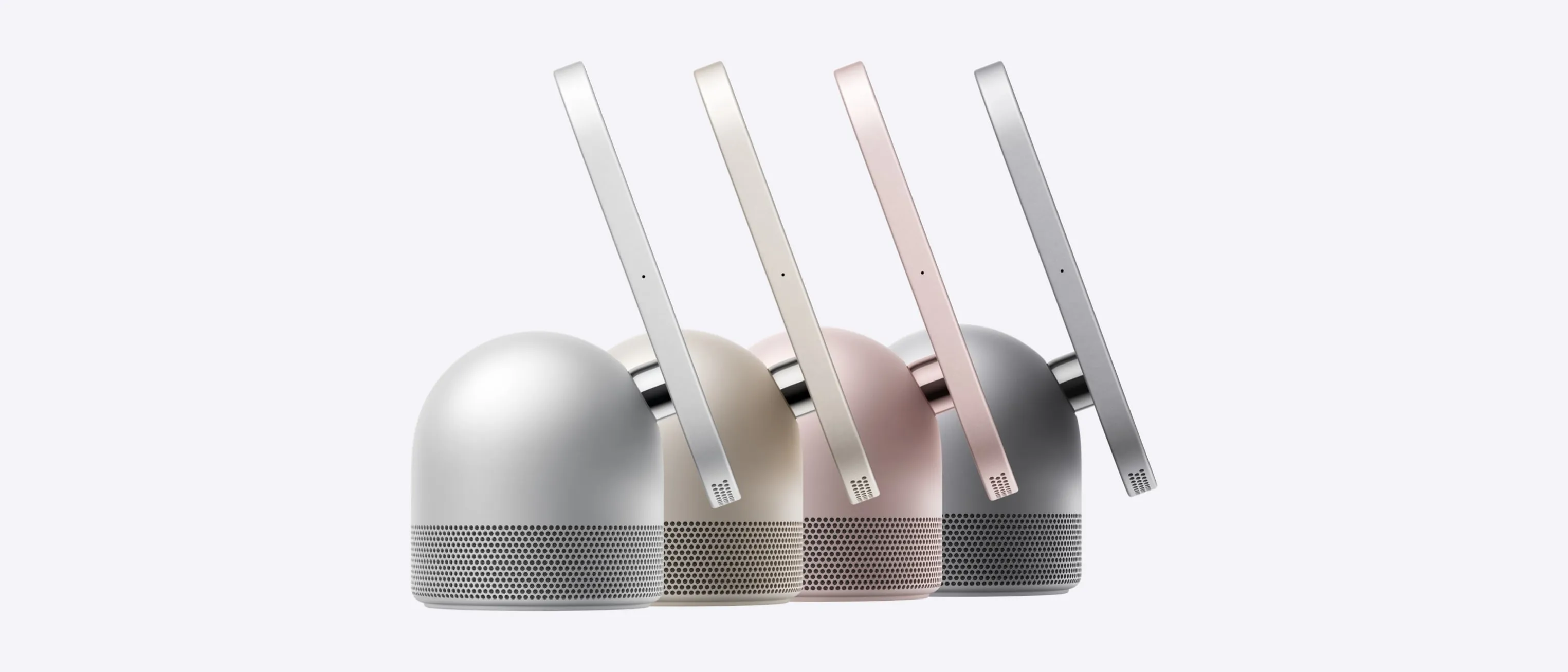
For this installation we chose the UniFi Building Bridge XG from Ubiquiti. It uses the 60 GHz band to reach high speeds over relatively short distances, and it also has a 5 GHz link as a backup. That's why there are two antennas on the roof of the main building: one for each satellite site.
The backup matters, because heavy rain can temporarily weaken a 60 GHz link. When that happens, the 5 GHz link can take over automatically, so the network connection stays up.
The UniFi environment reports a link quality of 100% and a link capacity of 1.9 Gbps. That's more than enough for day-to-day work and access to the servers.
A clear line of sight makes all the difference
Before we mount any antennas, we look at the surroundings first. A point-to-point link works best when both antennas have a clear line of sight to each other. Obstacles such as buildings, trees and other structures can disrupt the signal.
At this client's site there were trees between the buildings, so we worked out the right position and height for the masts in advance. In the end we were able to place the antennas so they look out over the obstacles and talk to each other directly.
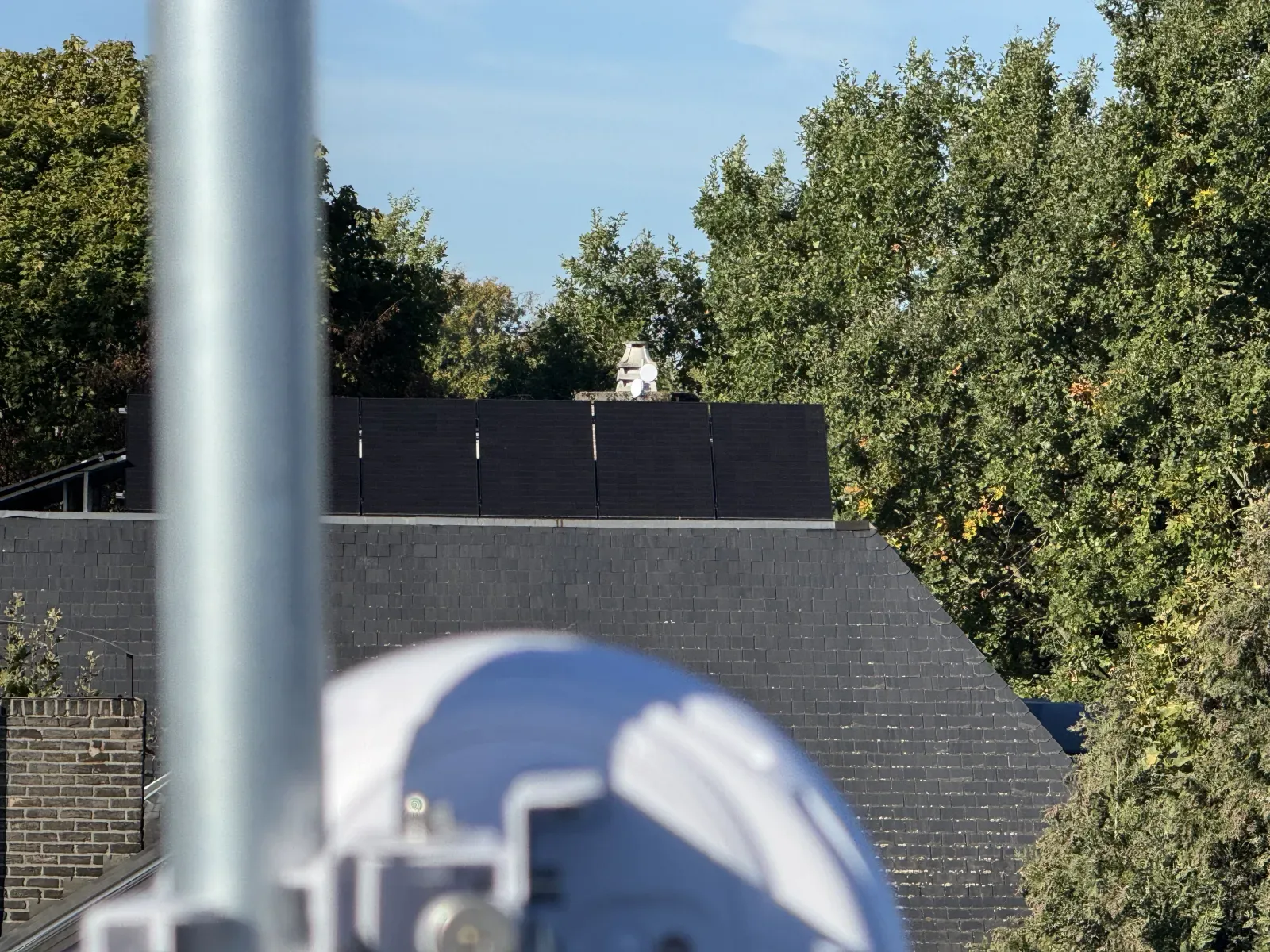
Next came the precise alignment of the antennas. At 60 GHz in particular this matters, as even a slight misalignment can affect the quality of the link. Using the UniFi app, we could follow the signal strength during installation and fine-tune the antennas.
Mounting and weather protection
We fitted a sturdy galvanised mast on each roof. The antennas are powered over Ethernet (PoE), so there's no need for a separate power socket on the roof.
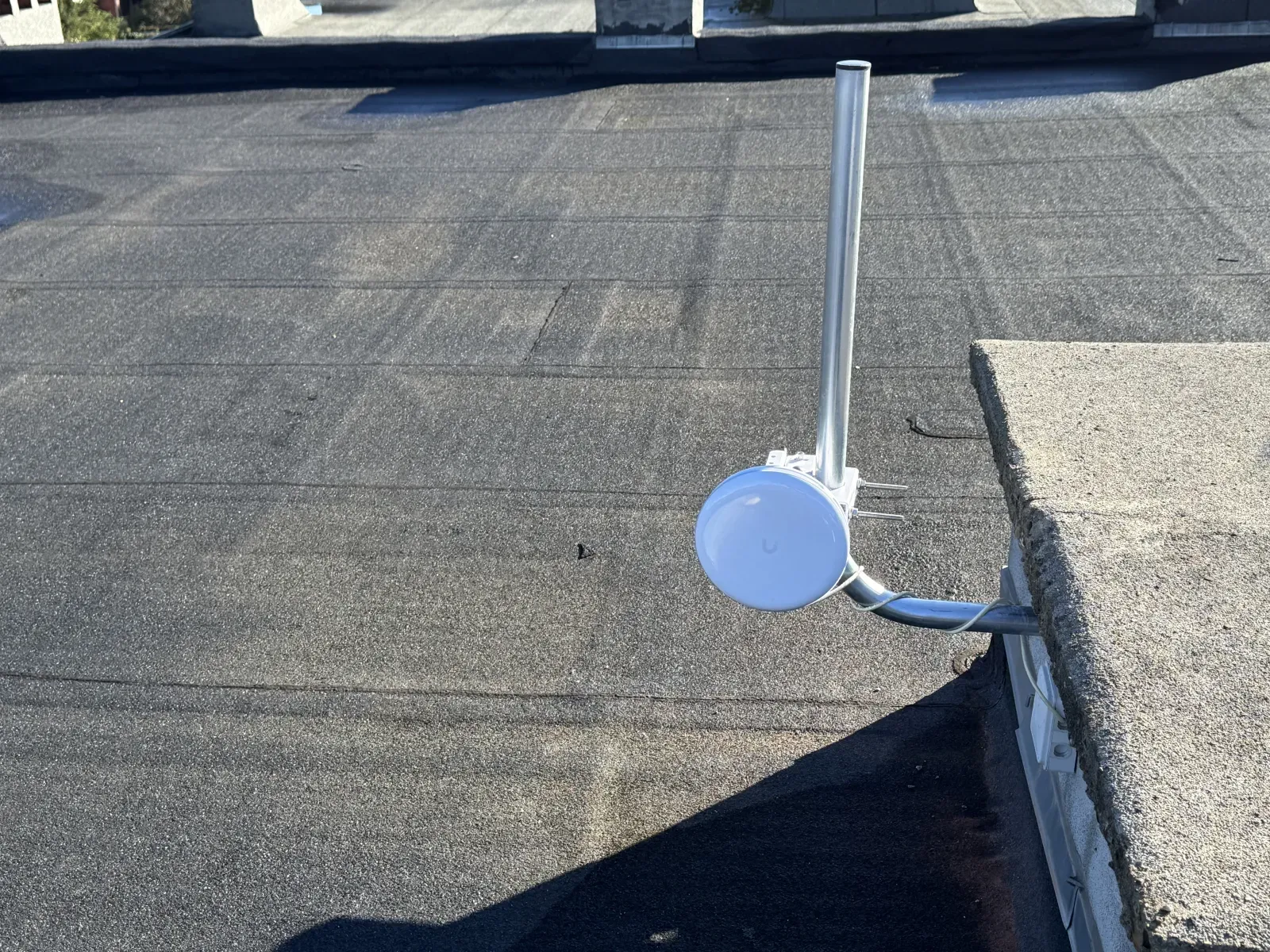
Because the installation is constantly exposed to rain, wind and possible electrical surges, we also paid attention to protecting the equipment. We fitted lightning and surge protection on the PoE connection, to reduce the risk of a surge travelling down the network cable to the equipment inside.
A fast link, without compromising on security
Connecting three buildings to the same network doesn't mean all network traffic should be able to reach everything.
That's why we used VLANs. They let us separate different types of network traffic logically, even when they share the same physical link. Separate network zones, for example, stay apart, and traffic can be controlled according to the network rules we've set.
Configuring those VLANs and the access rules that go with them correctly is essential. That way you get the speed of a single network with a clear separation between its different parts.
When is a point-to-point link the right choice?
A point-to-point wireless link isn't the best answer in every situation, so we check a few things first:
- ✓Is there a clear line of sight? The antennas need a sufficiently clear view of each other. We also take into account trees that keep growing and seasonal changes in foliage. A view through a window isn't enough: even if the antennas can see each other through the glass, the link won't work. They have to be outdoors.
- ✓How far apart are the buildings? According to the manufacturer, the UniFi Building Bridge XG is suitable for distances of up to 500 metres. The performance you can achieve depends partly on conditions on site.
- ✓Can you mount equipment on the roof? In a rented building, for example, you'll need the owner's permission. The fixings and exposure to the weather also need attention.
- ✓Is the internet connection at the main site fast enough? Because every building shares the same internet connection, it needs enough capacity for all your staff and applications.
When those conditions are met, a point-to-point wireless link can be an attractive alternative to a physical cable. You avoid digging, and you don't need extra internet subscriptions or firewalls on contract to connect your buildings.
Several buildings, one network?
Does your business work from more than one building, and do you want smooth access to your files, servers and applications everywhere?
At nxtbit, we look together at which solution suits your situation best. That might be a point-to-point wireless link, but depending on the distance, the surroundings and the performance you need, a different approach may be a better fit.
Get in touch with nxtbit for an introductory call. We'll look at the options and advise you on a network solution that fits your business.