Unbox. Sign in.Get to work.

We deliver Apple hardware that already belongs to your business before the box is even opened. No installation day, no hours spent downloading software, no employee left waiting.

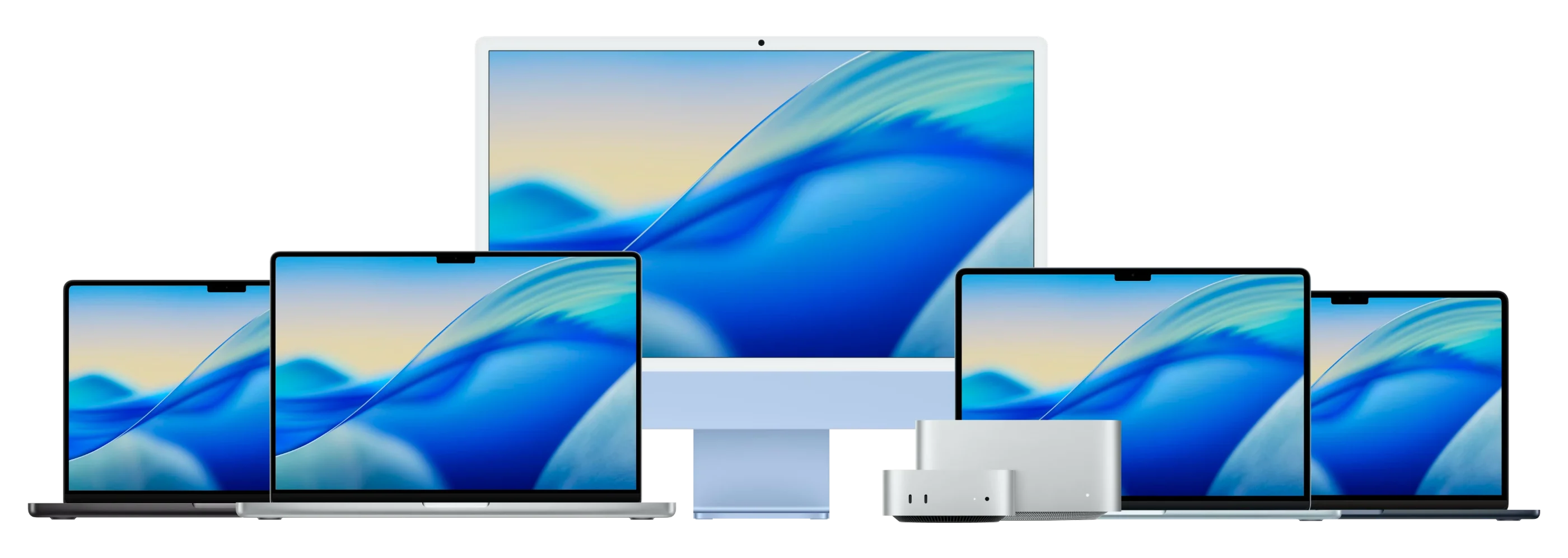
MacBook Pro, MacBook Air, Studio Display, Mac mini and Mac Studio side by side

Apple Consultants Network  ·  Jamf Professional Partner  ·  Microsoft CSP Reseller

Advice per role

Model, memory and storage matched to the work each person does.

Zero-touch deployment

The device sets itself up the first time your employee signs in.

Managed and secured

Encryption, update policy and remote wipe, active from day one.

Buy or spread the cost

Pay up front, or a fixed monthly amount over 12, 24, 36 or 48 months.

The workstation itself

Six models cover almost every role in an SME. We help you choose based on the job, not on whatever happens to be on promotion.

MacBook Neo

MacBook Neo

The way into macOS. A light 13-inch laptop that comfortably handles what most employees do all day: email, the browser and Office.

Who it’s forAnyone getting their first Mac, or needing a second device for when they’re on the move.

Request a quote
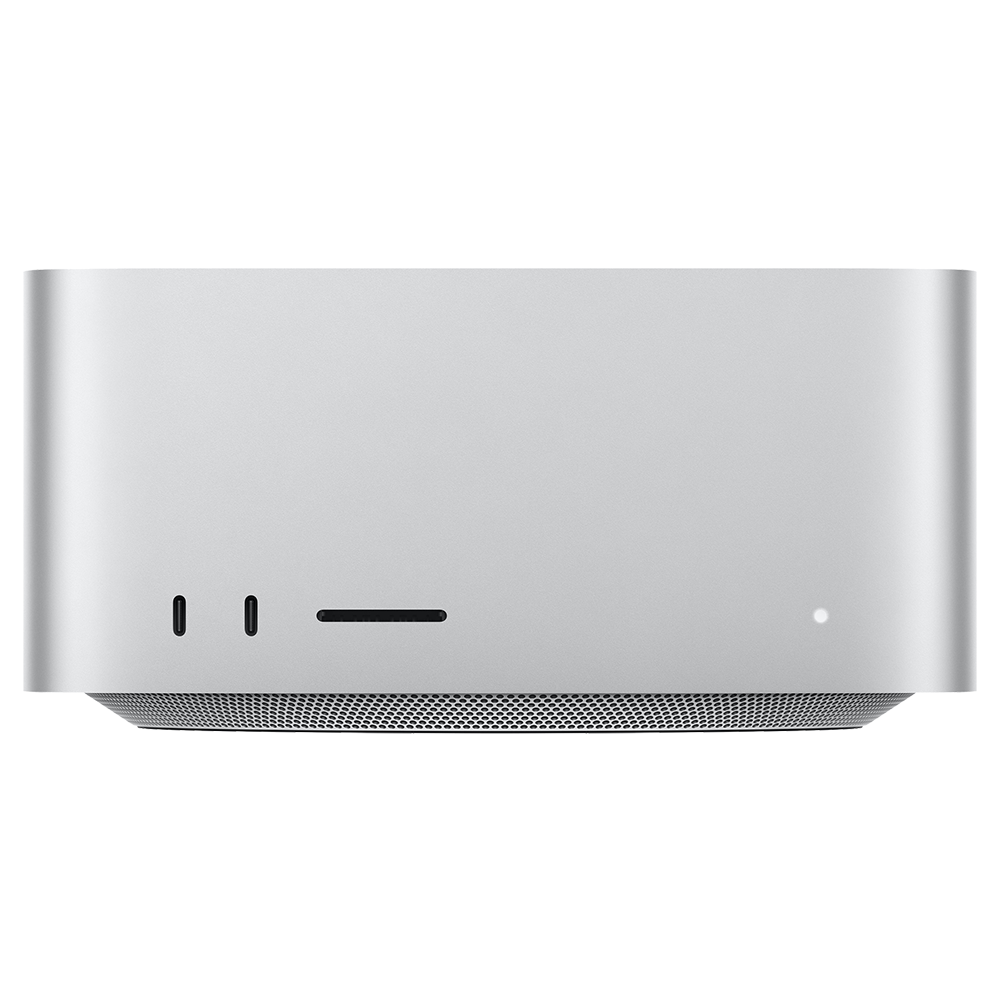
Mac mini

Mac mini

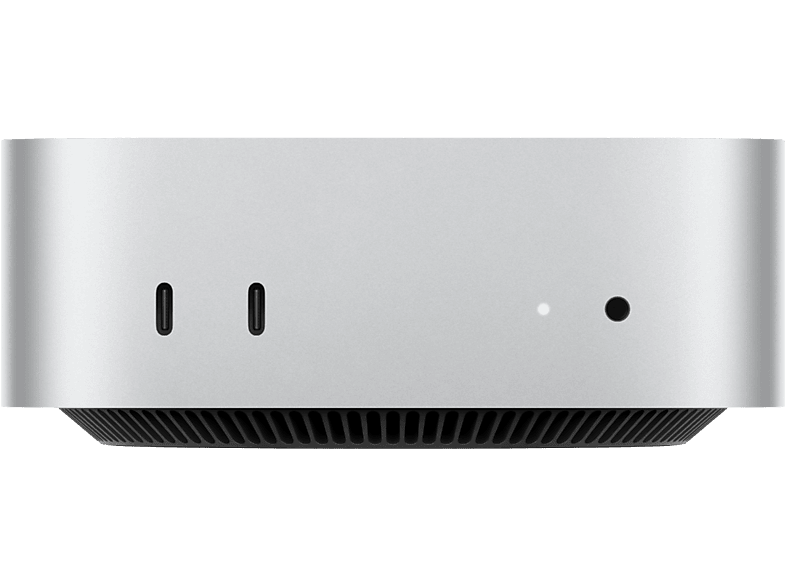
The most affordable desktop, especially if there’s already a screen on the desk. It simply carries on with your existing display, keyboard and mouse.

Who it’s forFixed desks, service counters, workshops or reception.

Request a quote
MacBook Air

MacBook Air

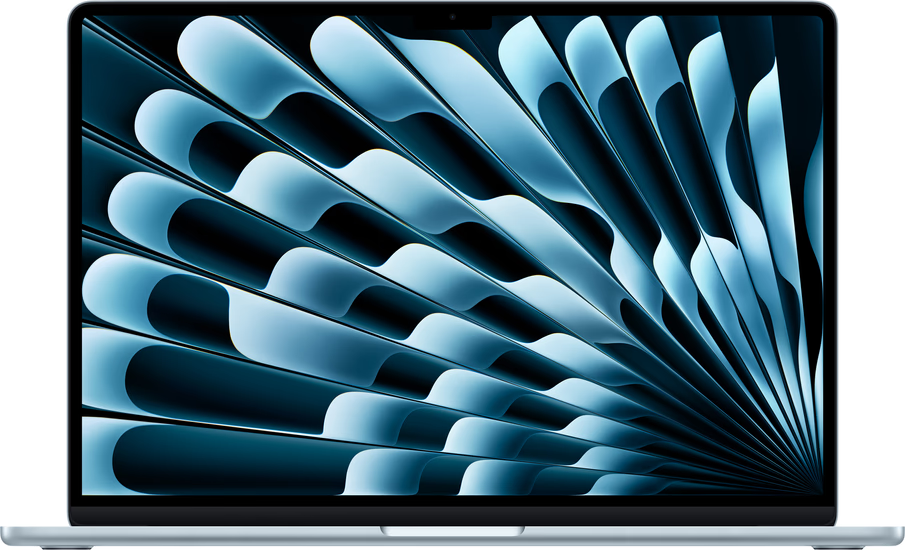
The standard workstation. Silent, light enough to carry every day, and a full working day on one charge.

Who it’s forEmail, Office, Teams, accounting. Most of your team.

Request a quote
iMac

iMac

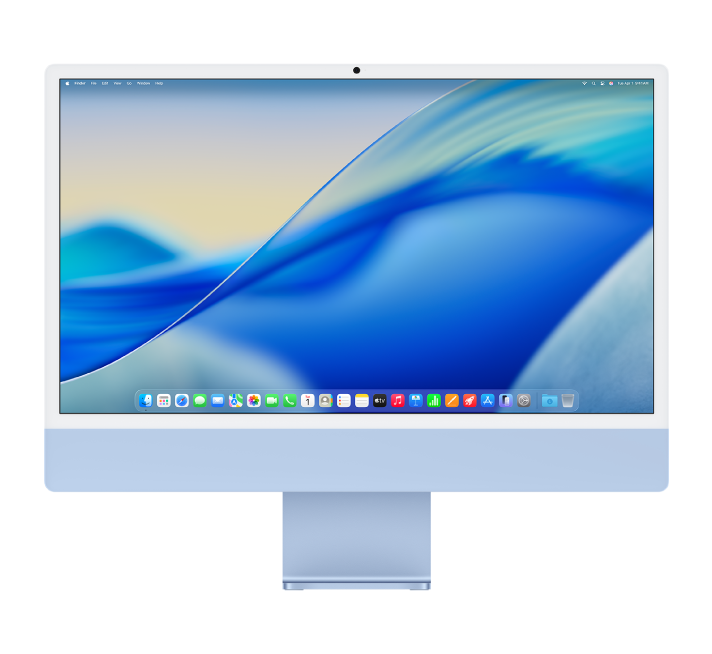
Everything is built into the display. One cable to the wall socket and the workstation is ready, with a camera and speakers that are good enough for any video call.

Who it’s forFixed desks where the workstation should look good too.

Request a quote
Mac Studio

Mac Studio

For work that would push a laptop to its limits too soon. Drives several displays with ease.

Who it’s forSpecialists with the heaviest computing work, at a fixed desk.

Request a quote
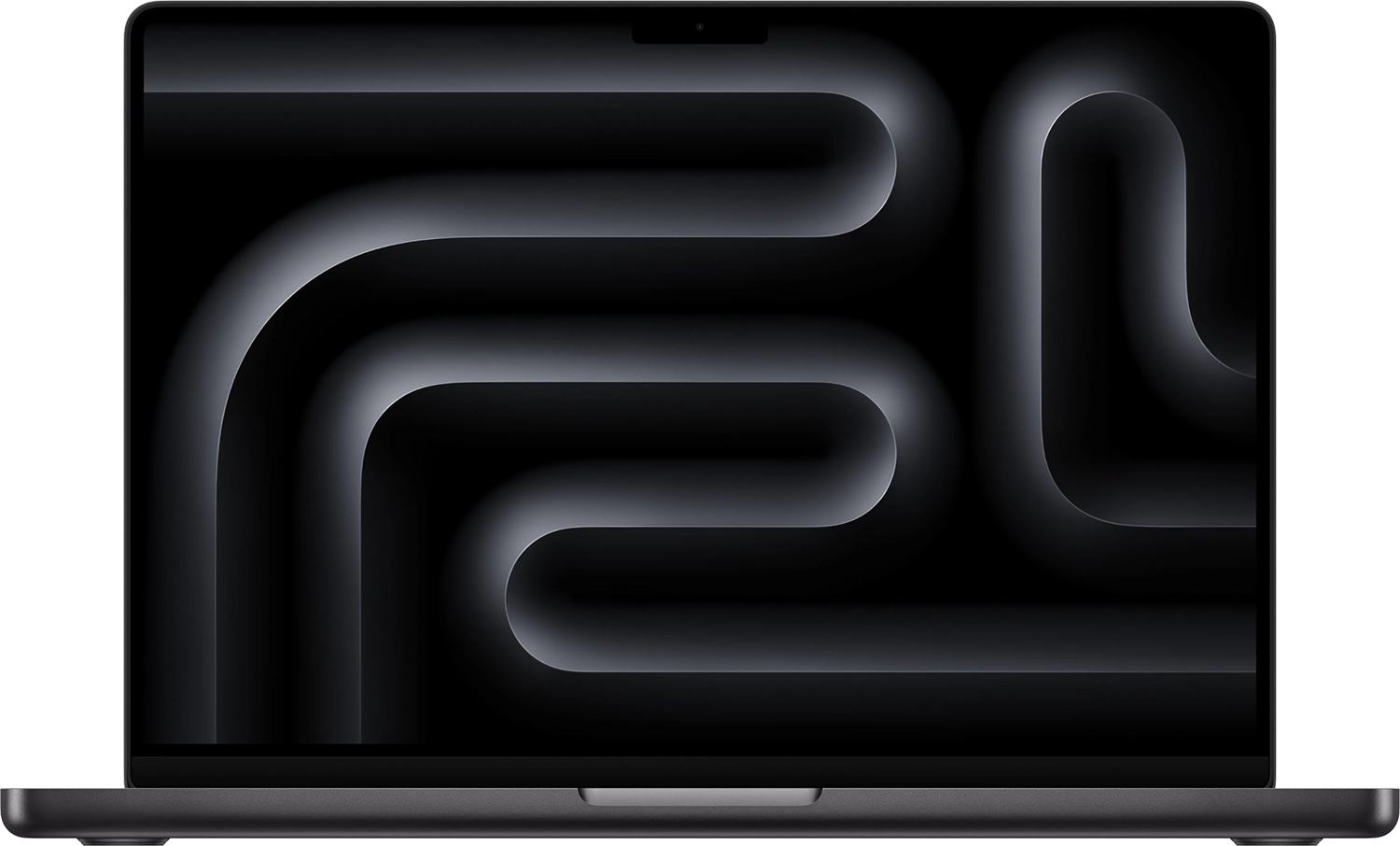
MacBook Pro

MacBook Pro

More power, more screen space and more ports. For people who work through heavy files all day long.

Who it’s forDesign, video, development and other demanding workloads.

Request a quote

An office in your pocket

Email, Teams, authentication and documents. That’s why we set up a company phone exactly the way we set up a laptop.

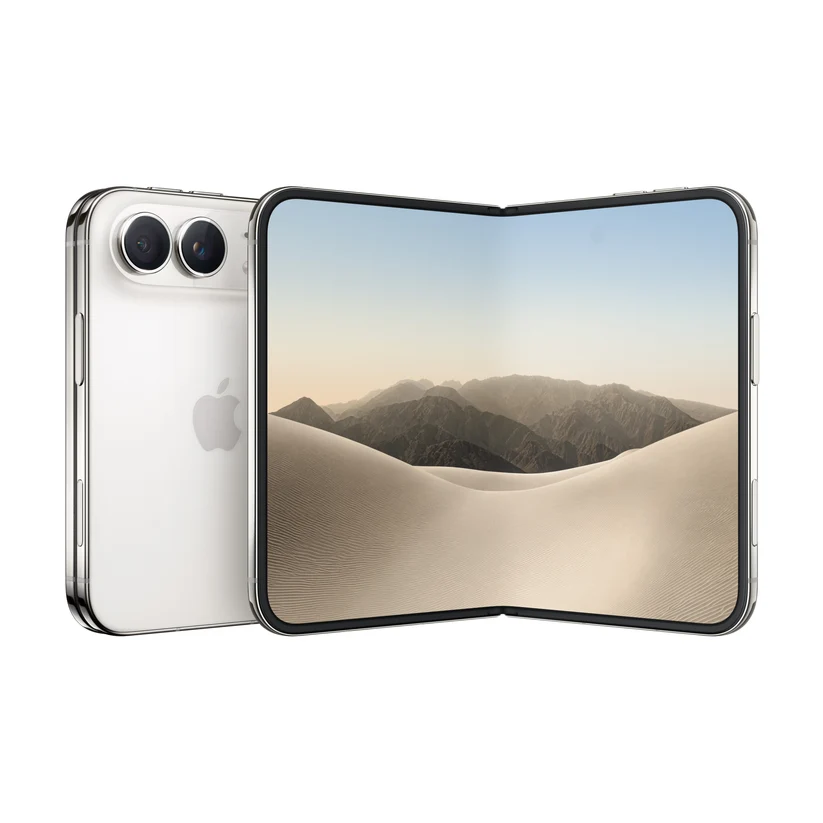
iPhone Duo, unfolded
New

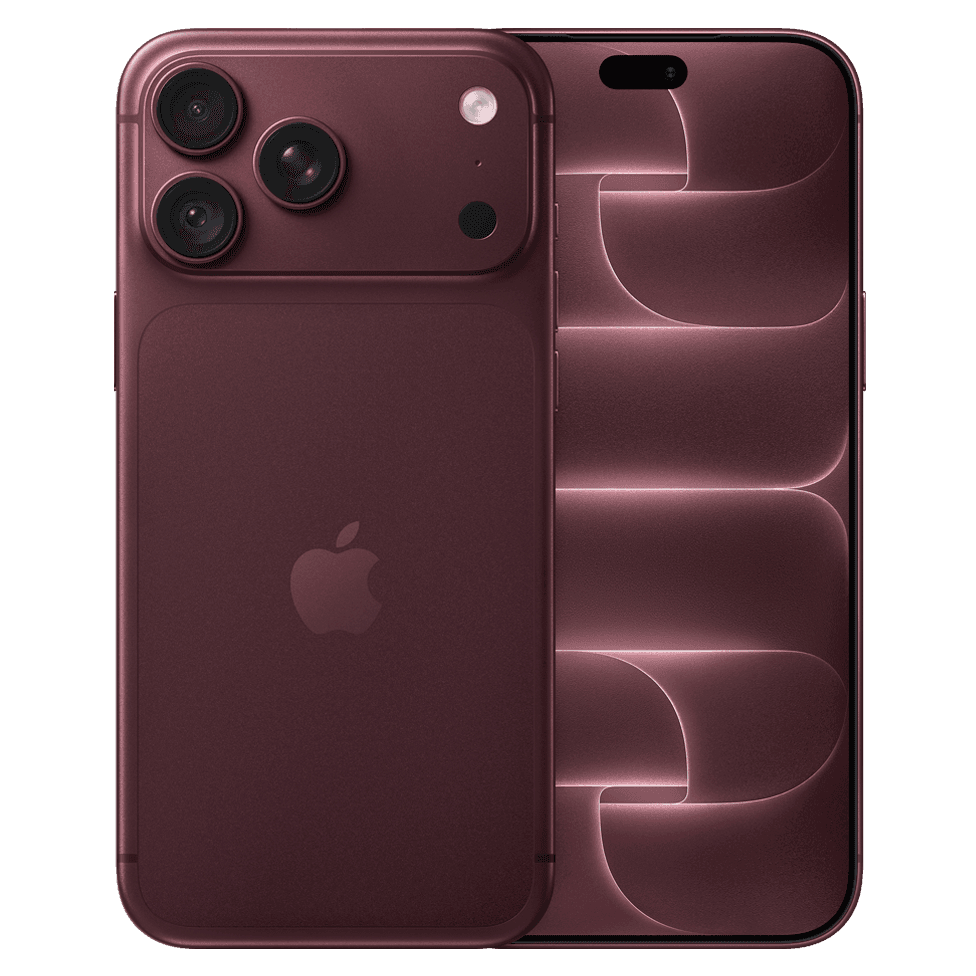
iPhone Duo

The first foldable iPhone. Closed, it’s an ordinary phone. Opened, it becomes a workspace where, for the first time, two apps run side by side. The quote on the left, your email on the right, without getting the laptop out.

Inner display
7.6 inches
Outer display
5.4 inches
Multitasking
Two apps side by side
Availability
Pre-order now

Who it’s forDirectors, sales staff and consultants who really work on the move rather than just reading email. Expect a noticeably higher budget than for an iPhone Pro, which often makes it the strongest candidate for spreading the cost.

Request a quote

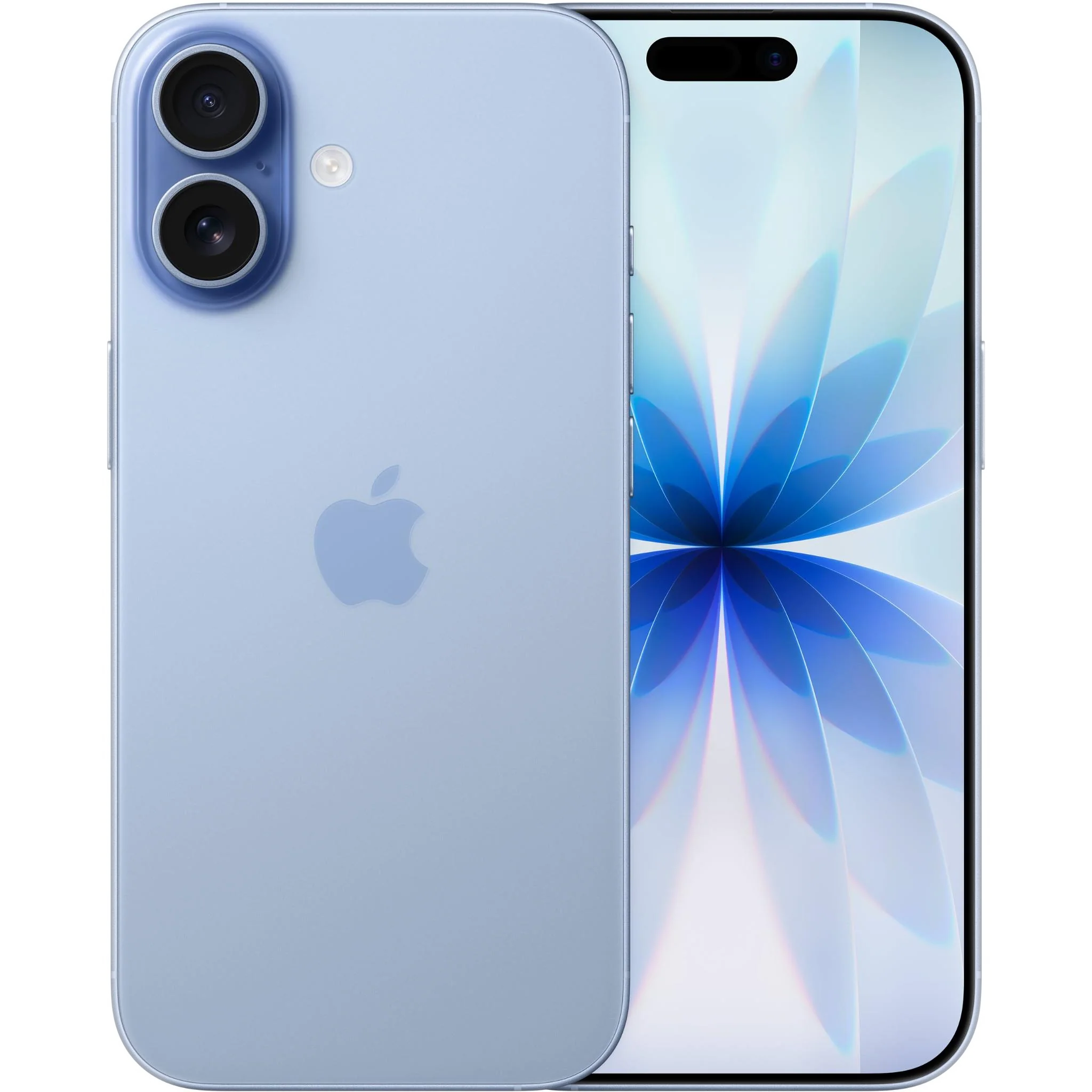
iPhone 17

iPhone 17

The phone that does the job for almost every employee. A full day of battery, years of updates, and work kept neatly separate from personal use.

Who it’s forEvery employee who needs to be reachable and covered by the security policy.

Request a quote
iPhone 18 Pro

iPhone 18 Pro

For people who have their phone in hand all day. A better camera, longer battery life and a screen that stays readable even in bright sunshine.

Who it’s forBuilding sites, site visits and sales, and anything that happens outdoors. Also when you need sharp photos of the work.

Request a quote

Every device is enrolled in Apple Business Manager. The phone stays with your business, even when someone leaves. If it’s lost, we wipe only the company data.

An office on the train

Or on a building site, in a meeting or at a client’s.

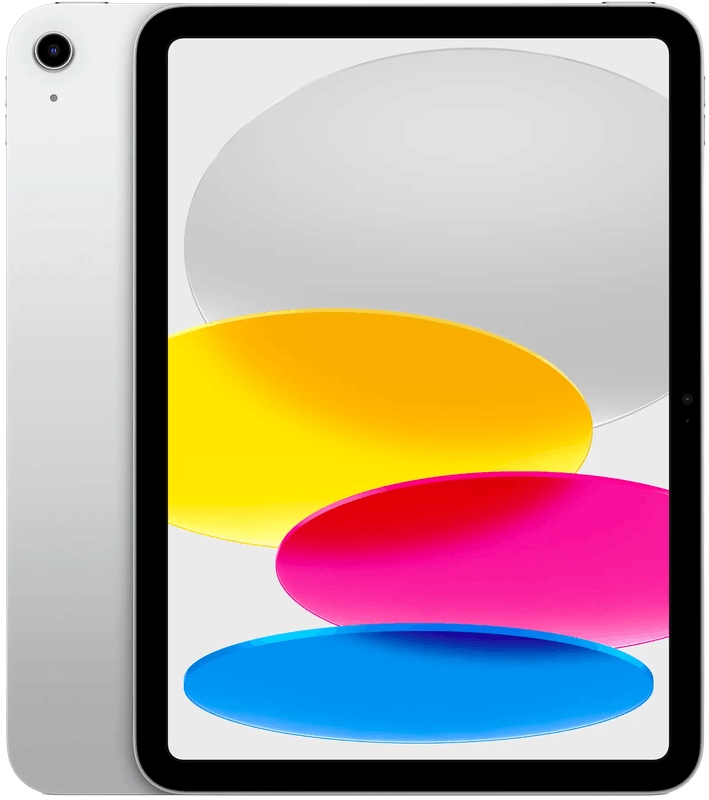
iPad

iPad

The affordable entry model. Fast enough for forms, scheduling and looking things up, and sturdy in everyday use.

Typical useCounters, tills, digital job sheets, checklists.

Request a quote
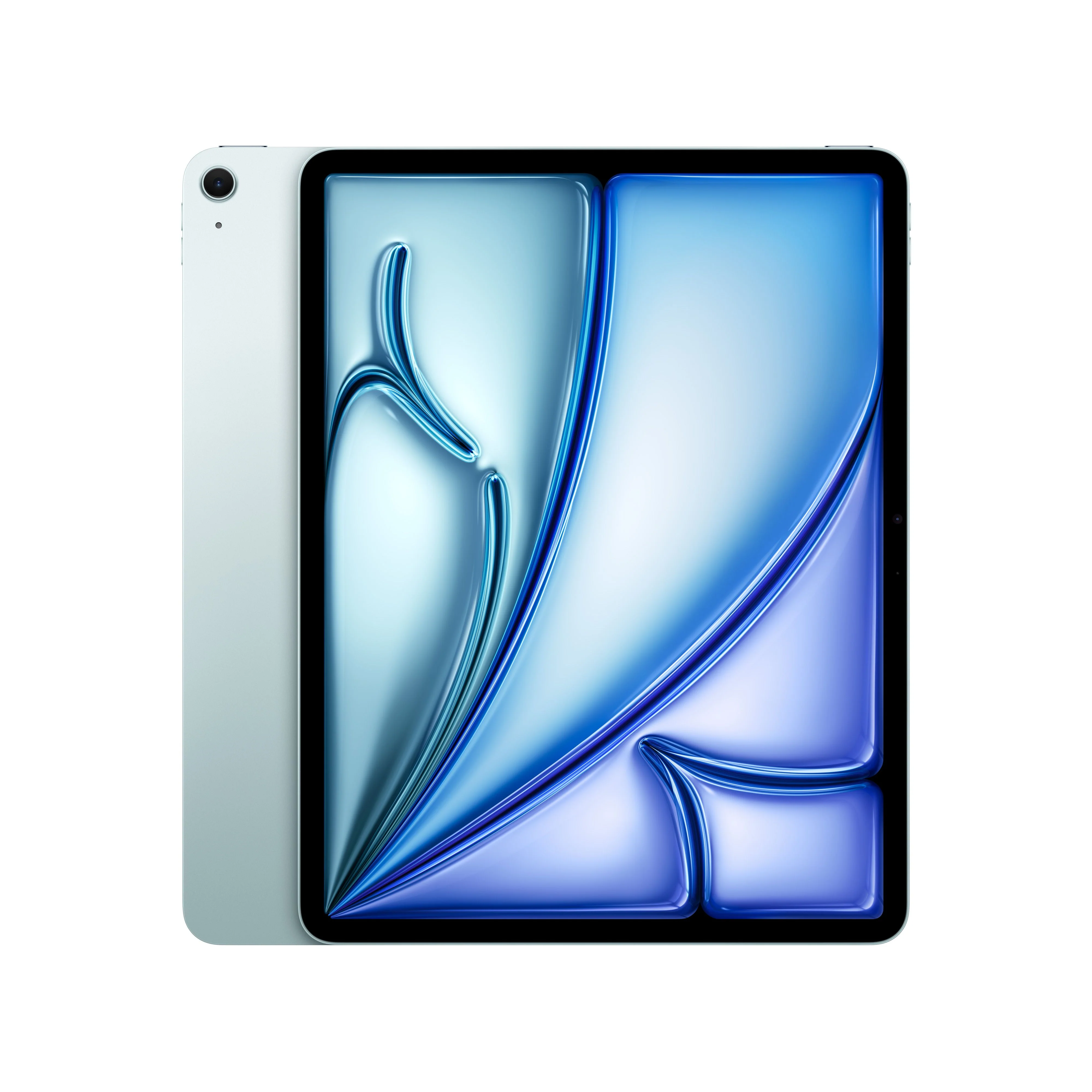
iPad Air

iPad Air

More speed and a better screen without paying extra for the Pro. Works smoothly with Apple Pencil and a keyboard case.

Typical useNotes, presentations at a client’s, a second screen.

Request a quote
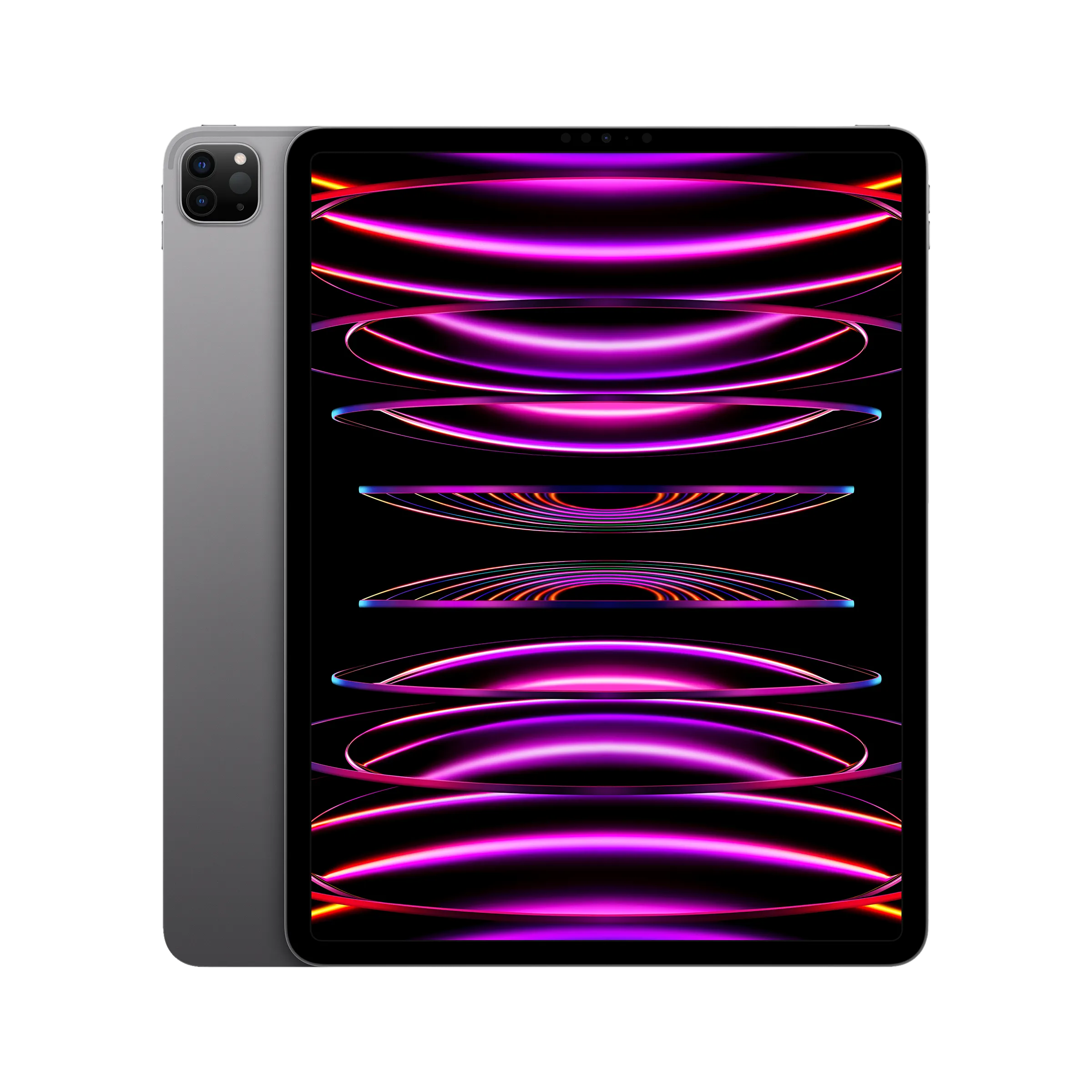
iPad Pro

iPad Pro

The largest screen and the most power. With a keyboard case, it replaces the laptop for some roles.

Typical usePlanning and design on location, drawing.

Request a quote

What makes the setup complete

In the same order and the same delivery, so you don’t have to go to four different suppliers.

Studio Display

Studio Display

A colour-accurate display with camera and speakers, connected by a single cable that also charges your laptop.

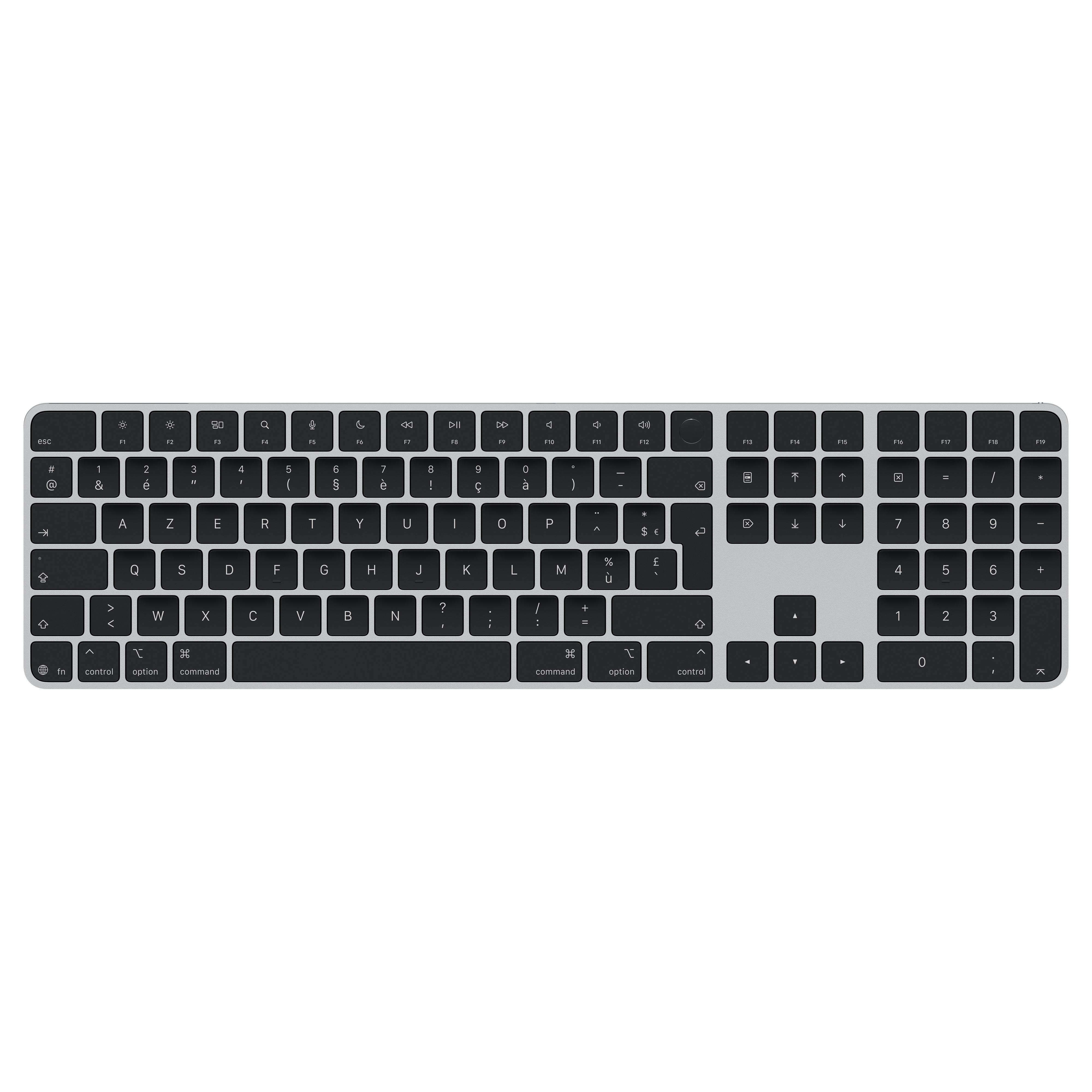
Magic Keyboard and Magic Mouse

Keyboard and Mouse

The classic pair, in Belgian AZERTY or international QWERTY.

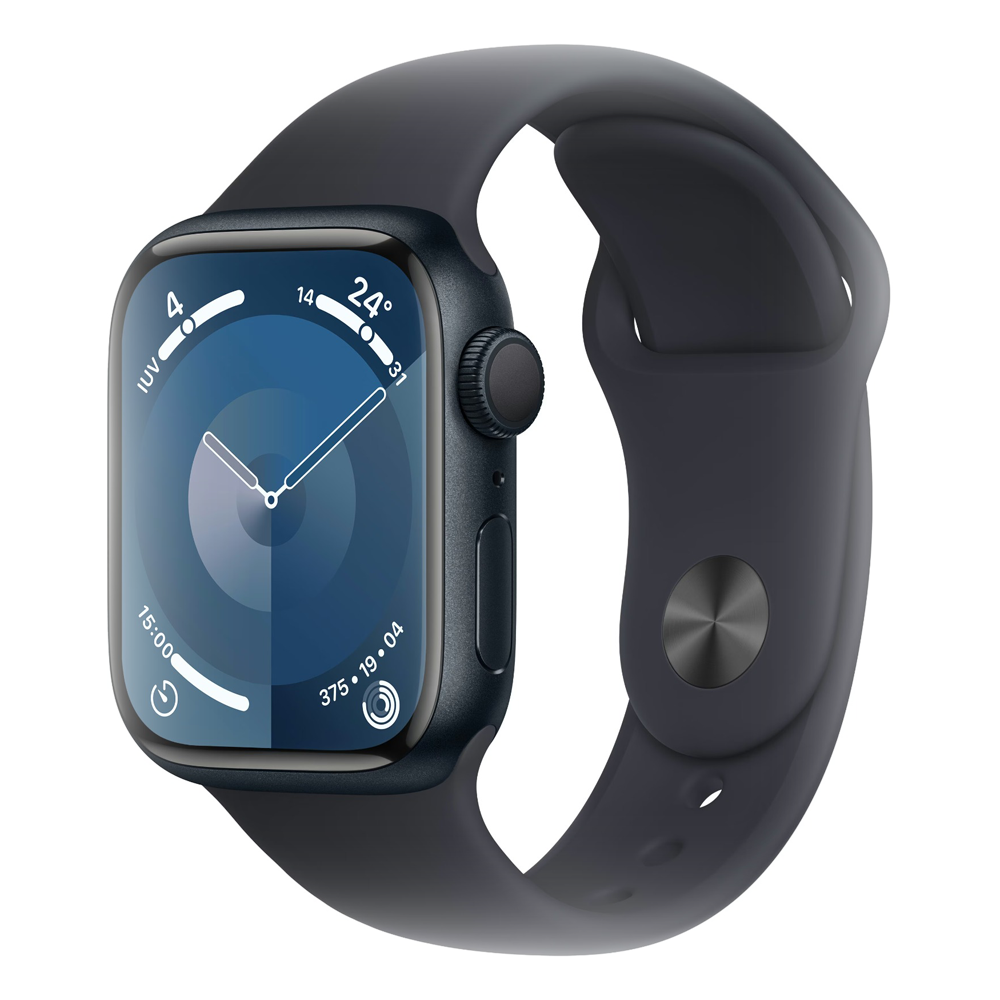
Apple Watch

Apple Watch

See calls and notifications without taking your phone out.

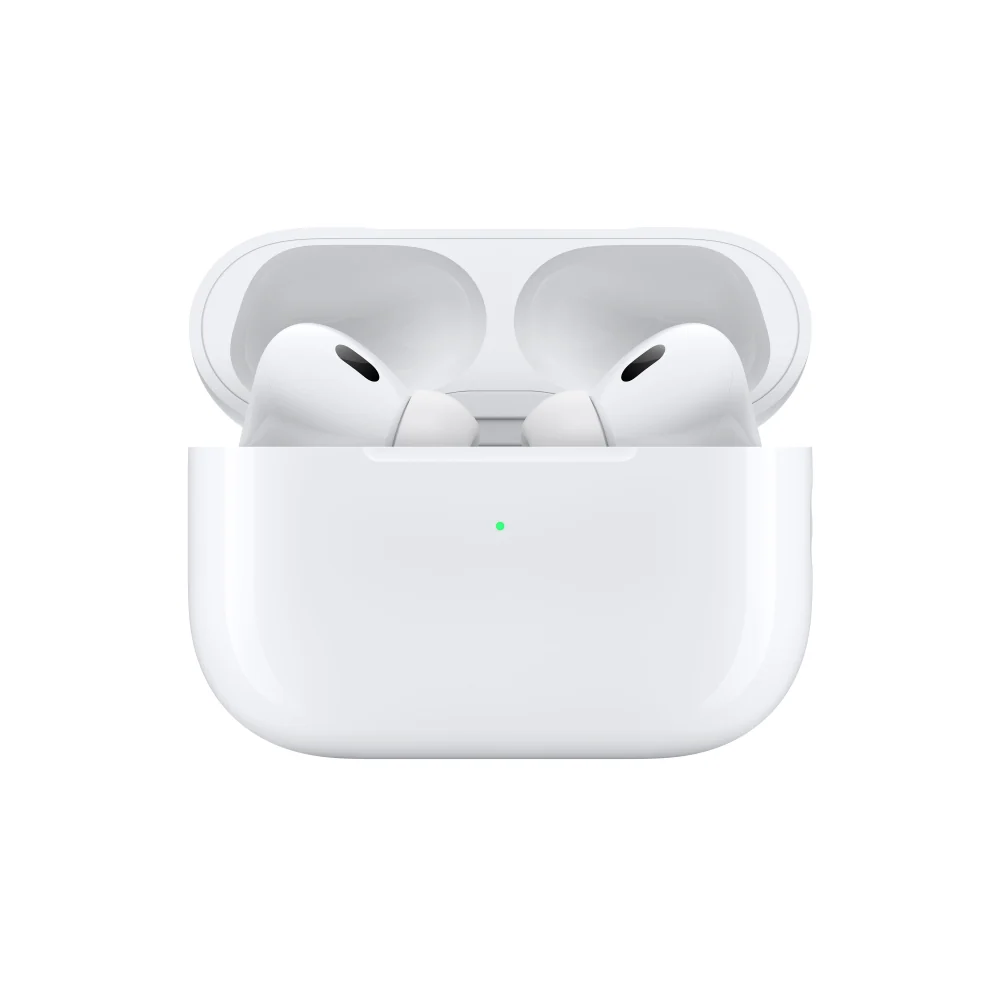
AirPods Pro

AirPods Pro

Video calls in an open-plan office, without disturbing everyone else.

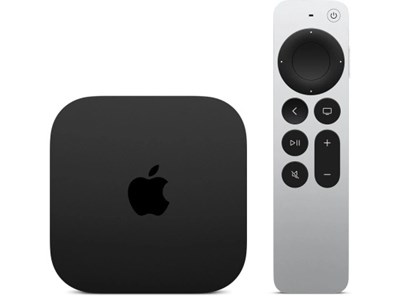
Apple TV

Apple TV

Present wirelessly in the meeting room, with no fiddling with cables.

What happens before the box arrives

Anyone can buy hardware. The difference lies in the four steps around it, and we include them as standard.

  1. Advice and configuration

    Together we decide on model, memory and storage for each role. No needless upgrades, but no device that feels cramped after two years either.

  2. Linked to your organisation

    The device is registered to your organisation in Apple Business Manager. That way it stays your company’s property, even if it’s lost or someone leaves.

  3. Zero-touch deployment

    Your employee unboxes the device and signs in. Apps, settings and security policies arrive automatically, with no technician on site.

  4. Management and follow-up

    Updates, encryption and support remain our job within your NXT plan. You call one number, for the hardware too.

Buy outright, or spread the cost over a fixed term

Many SMEs would rather not see a round of replacements weigh on a single quarter’s figures. With Apple Financial Services you pay a fixed amount per device per month. Replacing devices on time then becomes a decision, not an outlay.

How it works

  • A fixed amount per device per month, over 12, 24, 36 or 48 months
  • Mac, iPad and iPhone can go in the same agreement
  • At the end, you choose: buy the devices or renew them

Subject to approval by Apple Financial Services. Your quote shows your exact monthly amount.

What clients ask first

Can I buy devices without a management plan?

Yes. You can order hardware on its own. Zero-touch deployment and ongoing management do require an NXT plan or a one-off setup, because your environment has to be configured correctly for that. That said, we always recommend management. Without central management you have no view of updates, encryption and access, and that is exactly where security goes wrong.

Does Apple work alongside our Windows PCs?

Without any problem. Mac, iPhone and iPad run in Microsoft 365 and Intune alongside your existing PCs. For us, mixed environments are the rule rather than the exception.

What delivery time can I expect?

Standard configurations are usually available quickly. Custom devices, with different memory or storage, take longer. The lead time in the quote is an estimate based on what Apple is reporting at that moment. If a delivery slips, we let you know as soon as we hear.

What happens to the old device?

We wipe it securely, remove it from your management environment and talk through with you whether reuse, a buyout or recycling is the best option.

Let us look together at how strongyour IT is today.

Book a no-obligation chat. Together we'll look at where you stand, where the risks lie and how to make your IT smarter, safer and more predictable.

Book an introductory call