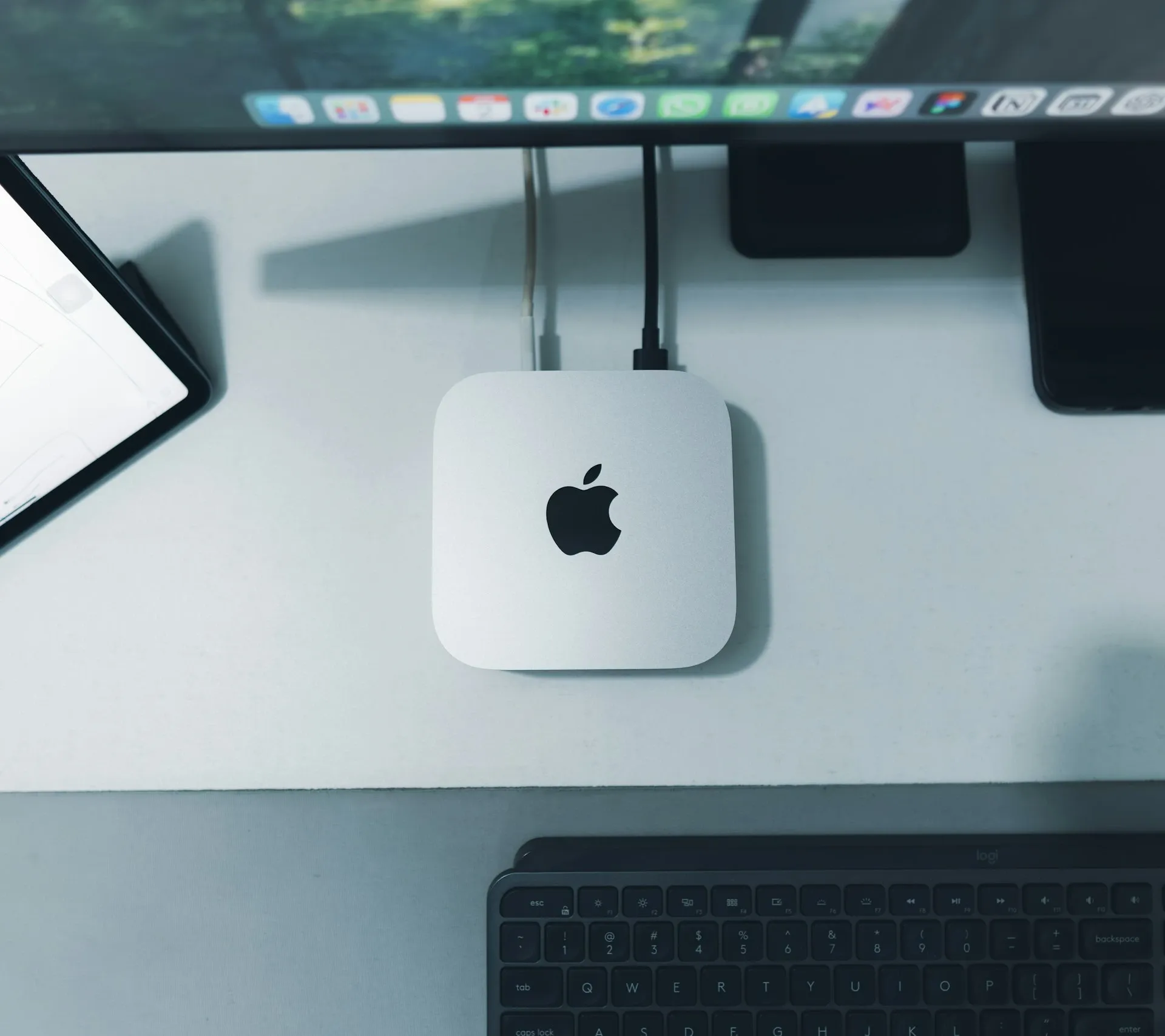

macOS Golden Gate: what does it mean for your Intel Mac?

At WWDC 2026, Apple announced macOS Golden Gate, and the name says a lot. Just as the famous Golden Gate Bridge links two shores, this version of macOS is the final bridge to a future built entirely on Apple Silicon.
That's because macOS Golden Gate is the first version of the operating system that runs only on Macs with an M-series chip. For the first time since the move to Intel in 2006, every Intel Mac misses out on a new macOS release. With it, Apple closes an era and takes the last big step in its transition to its own processors.
Which Intel Macs are we actually talking about?
Many readers won't know straight away whether their device is one of the affected models. Below is an overview of the most common Intel Macs that macOS Golden Gate no longer supports.
Some of these devices are six to eight years old, and technically many of them still work perfectly. Even so, software vendors will take them into account less and less, and that is exactly where the real problem begins.
Software support
The biggest challenge isn't Apple itself, but the software you use every day.
Microsoft 365
For Microsoft 365 on Mac, Microsoft always supports the three most recent versions of macOS. As soon as Apple releases a new version, the oldest supported one drops off the list. From Office update 16.101 (September 2025), macOS Sonoma was already the minimum: if you're on an older version of macOS, you no longer receive security updates for Office.
An Intel Mac that's stuck on Tahoe soon finds itself at the very bottom of what Microsoft officially supports. Around 2028, Outlook, Teams, Word and Excel will stop receiving updates on that device, security updates included. For businesses that rely on these tools, that often matters more than macOS support itself.
Your Mac will keep working, but the real question is how long your business software will stay supported.
Vectorworks, Archicad & Rosetta 2
For architects and designers, it's the same story. Software such as Vectorworks and Archicad follows macOS closely and is being optimised more and more for Apple Silicon. Once an Intel Mac stops receiving new macOS updates, it becomes harder to use future versions of that software or to get support from the vendor.
On top of that, Apple is gradually phasing out Rosetta 2, the technology that lets Intel software run on Apple Silicon Macs. Older applications, plug-ins and specialist tools that still depend on Intel code may therefore run into compatibility problems in future, or stop working altogether on new versions of macOS.
So an Intel Mac that works perfectly today may run up against limits sooner because of software support than because of how the hardware itself performs.
But my Intel Mac will keep working, won't it?
Yes. An Intel Mac that works well today doesn't need replacing straight away. Apple has confirmed that supported Intel Macs will receive security updates until 2029, so there's no reason to panic. That doesn't mean you can simply carry on as you are without a care, though, because third-party software support is disappearing faster than Apple's security updates.
Intel Mac support window
AI features for Apple Silicon only
Much of macOS Golden Gate is built around AI features that need Apple Silicon as their foundation. For businesses, these aren't gadgets; they're practical productivity features that can speed up everyday workflows.
|
🤖
Siri AI
A fully fledged AI assistant, both as a standalone app and built into Spotlight. Ask questions, drag documents in and get answers in context, based on what's in your files and apps. |
🔍
Spotlight "Search or Ask"
Spotlight brings search and AI together in a single interface. Ask questions about several files at once without opening each one. A big time-saver for anyone who works with lots of documents every day. |
|
👁
Visual Intelligence
Select part of your screen with a keyboard shortcut and get contextual information instantly. A screenshot of a meeting schedule is turned into calendar appointments automatically. |
⚙️
Automated Shortcuts
Describe in plain language what you want to automate. Siri AI builds the Shortcut workflow for you, with no technical knowledge needed. Automation that every employee can use. |
For European businesses, there's good news about the EU restriction that has been getting so much attention: Siri AI is available on macOS in the EU from launch. It's only on iPhone and iPad that Apple can't roll out the new assistant for now, because of the Digital Markets Act (DMA). On the Mac, European businesses can use the AI features as normal. The most advanced features are reserved for Macs with an M3 chip or newer and at least 12 GB of RAM. Intel Macs get none of these features, however much memory they have.
Do you need to replace all your Macs right now?
No. But this is the ideal moment to draw up a plan. For every client, nxtbit puts together a lifecycle report: a clear overview of all devices with their model, age and the point at which we recommend replacing them. For clients with an NXT managed services subscription, this is included as standard. That way you always know which devices are reaching the end of their life, without having to keep track yourself of when each one is due for replacement. If your business doesn't have a subscription, we're also happy to help with a one-off inventory as a starting point.
Recommended migration plan
|
Now
2026
Inventory of all Macs and software dependencies
|
H2 '26
Late 2026
Analysis and prioritisation of the most critical devices
|
2027
First wave of replacements: the most used and most critical devices
|
2028
Full migration completed before M365 support ends
|
Which Apple Silicon Mac suits your situation?
When you replace an Intel Mac, you don't have to go straight for the most expensive model. The current Apple Silicon line-up has a logical successor for every type of user.
For most employees in an SME, the MacBook Air M5 is the most logical choice: light, silent, energy-efficient and more than powerful enough for productivity work. If you regularly use graphics or technical software, you're better off looking at the MacBook Pro or Mac mini range. One important point to bear in mind: the Mac mini M4 is probably still due an M5 update later in 2026. If you're considering a Mac mini and don't urgently need to replace one, it's worth waiting until then.
Conclusion
macOS Golden Gate isn't the end of your Intel Mac, but it is the beginning of the end of its support. The biggest risks lie not with Apple, but with software vendors shifting their focus to recent versions of macOS and Apple Silicon hardware. For businesses, now is the time to look ahead and work out a replacement strategy.
Not sure which Macs in your organisation are still supported, which devices should be replaced first, or which model best suits the way your employees work? nxtbit is happy to help with a lifecycle report and a future-proof migration plan.
Take the free IT quickscan
In just a few minutes, you'll get an honest picture of the strengths and blind spots in your current IT environment, along with a step-by-step plan.
Book a short call
Would you rather talk straight away about your Intel Macs, or about how we can approach your lifecycle management? Book a short online call below.