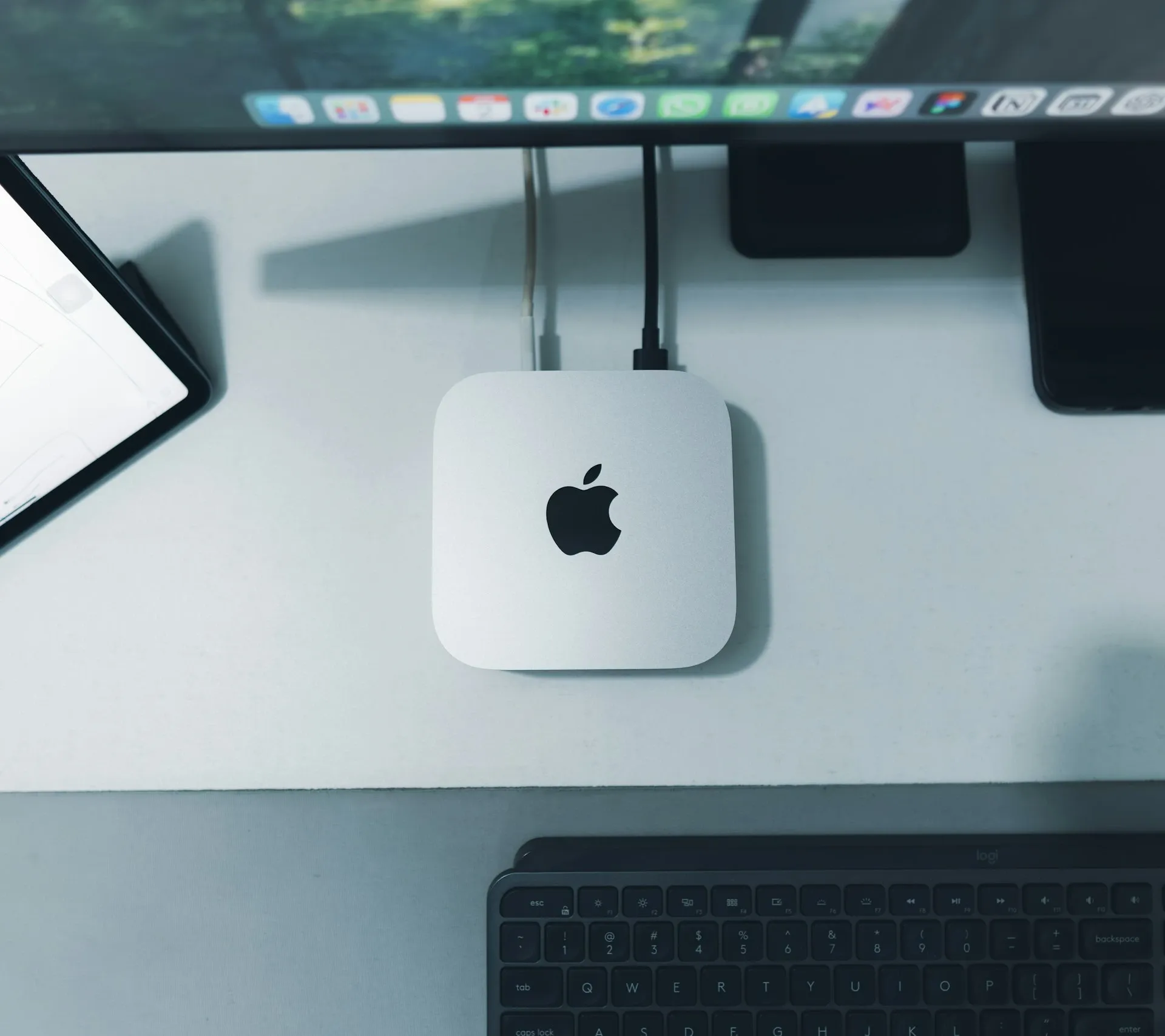

Your Mac can replace ChatGPT. Free and completely private.
How running AI locally can protect your data

In 2026, no fewer than 81% of Belgian SMEs use AI, according to the Exact KMO Barometer 2026. Yet only 13% have a formal policy on how employees may use those tools (PwC Belgium via Sparagus, 2026). So what are your employees actually typing into ChatGPT? Customer data? Contracts? Strategic plans? In Q4 2025, 34.8% of all ChatGPT input turned out to contain sensitive business information (Metomic, 2025). That's a serious risk, but it doesn't have to be this way. This article explains what local AI is, why an Apple Silicon Mac is the ideal hardware for it, and how you can get started today, for free and without an IT department.
Summary: 81% of Belgian SMEs use AI, but 34.8% of what employees type into ChatGPT contains sensitive business information (Metomic, 2025). Local AI on an Apple Silicon Mac, using free tools such as Ollama, gives you the same capabilities as ChatGPT without your data going to the cloud. From a MacBook Air M5 with 16 GB of memory upwards, you can run fully fledged AI models completely offline.
Key takeaways
- 81% of Belgian SMEs use AI, but only 13% have an AI policy (Exact KMO Barometer 2026; PwC Belgium via Sparagus, 2026)
- Local AI runs entirely on your own Mac: no data sent to the cloud, no GDPR risk
- Free tools such as Ollama install in under 5 minutes, with no technical knowledge needed
- A Mac mini M4 Pro at €1,420 (excl. VAT) can work out cheaper over 3 years than 5 Copilot subscriptions (€5,400)
- Apple Silicon unified memory makes local AI up to 3x faster than on traditional laptops
What are your employees typing into ChatGPT, and where does it end up?
In Q4 2025, research by Metomic showed that 34.8% of what employees enter into ChatGPT contains sensitive business information, an increase of 11% compared with 2023. We're talking about customer names, contract details, financial figures and internal strategy. That data disappears into OpenAI's servers, and the default settings don't always switch off its use for training.
By default, ChatGPT uses your conversations to improve its models, unless you switch this off manually in the settings. The opt-out exists, but most employees don't know about it. Forget once, and customer data ends up in an American data centre.
Microsoft Copilot adds another layer on top. Its "flex routing" feature can send inference to servers in the US, Canada or Australia (TechRadar, 2025/2026). For Belgian businesses, that automatically triggers the obligation to carry out a DPIA (Data Protection Impact Assessment) under the GDPR. Have you had one done yet?
Europe's privacy watchdogs are paying attention. In December 2024, OpenAI was hit with a €15 million GDPR fine by the Italian supervisory authority. At the same time, 69% of organisations say AI data leaks are their main security concern, yet only 47% have put effective AI security controls in place (Metomic, 2025). That's a dangerous gap.
In Q4 2025, 34.8% of all ChatGPT input by employees contained sensitive business information, up 11% year on year. Meanwhile, 87% of SMEs have no formal AI governance policy, while GDPR offenders risk fines of up to €20 million or 4% of global turnover. (Metomic, 2025; PwC Belgium via Sparagus, 2026)
What is local AI, and how is it different from ChatGPT?
Local AI runs the AI model entirely on your own computer. Your data never leaves your device, there's no subscription fee, and you can even work without an internet connection. Available models such as Llama 3.1 (Meta), Mistral and Phi-4 are free and open source. For business writing tasks, Llama 3.1 performs on a par with GPT-3.5.
Think of it this way: cloud AI is like a translator you send your documents to by post. They do excellent work, but your documents pass through their office, their archive and possibly their colleagues. Local AI is an equally good translator who sits in your own office. Same result, and everything stays in-house.
The difference in privacy risk is fundamental. With ChatGPT, every query travels over the internet to American servers. With local AI, your Mac processes everything in-house. No connection required, no data processing agreement needed, no DPIA debate.
Free models have come of age. Llama 3.1 from Meta, Mistral from a French AI company and Phi-4 from Microsoft are all free to download and use. They're excellent for emails, summaries, quotes and translations. For those tasks, you don't need ChatGPT.
Why is Apple Silicon the best hardware for local AI?
In 2025, Seresa.io analysed the unified memory architecture of Apple Silicon and found that a Mac mini M4 Pro at €1,421 excl. VAT can handle workloads that would otherwise need several NVIDIA GPUs costing €3,000+ each. That makes Apple Silicon the most cost-efficient hardware for local AI at the moment.
Normally, data has to travel back and forth between the processor and the graphics card. That costs time and energy. With Apple Silicon, everything shares the same memory, which makes AI on average 3x faster than on a traditional laptop. You don't need to understand it to benefit from it, but it explains why your old Windows laptop struggles with AI while your MacBook handles it with ease.
RAM is the key factor for local AI. It determines which models you can run. With 16 GB you can run models of up to 8 billion parameters (comparable to GPT-3.5). With 32 GB or more you can run 14B models, which are noticeably smarter at more complex business tasks.
The speed differences between chips are considerable. The M5 Max achieves roughly 3x the token speed of the base M3, thanks to memory bandwidth of around 600 GB/s and 200 GB/s respectively (LLMCheck benchmarks, June 2026, 198 data points across 10 Apple Silicon chips). More bandwidth means faster thinking.
An Apple Silicon Mac mini M4 Pro (€1,421 excl. VAT) with unified memory handles local AI workloads that would otherwise need several NVIDIA GPUs costing €3,000+ each. The M5 Max reaches around 600 GB/s of memory bandwidth, which lets it generate tokens around 3x faster than the base M3 at 200 GB/s. (Seresa.io, 2025; LLMCheck, June 2026)
Which Mac does your SME need? A practical guide
For most business tasks, a MacBook Air M5 with 16 GB of memory is enough. The Local AI Master, Apple Silicon Buying Guide 2026 shows that the MacBook Air M5 (16 GB) reaches around 33 tokens per second on Llama 3.1 8B, which is more than comfortable for emails, quotes and summaries.
Our recommendation (based on tests with SME clients in Flanders): for 90% of business AI tasks, a MacBook Air M5 with 16 GB is enough. Only teams that work with sensitive documents of 50+ pages, or that have several simultaneous users, need a Mac mini or Mac Studio.
Sole trader or small SME (1-5 employees)
MacBook Air M5, 16 GB
The MacBook Air M5 with 16 GB of memory costs €991 excl. VAT (€1,199 incl. VAT) and reaches around 33 tokens per second on 8B models. That's enough for writing copy, drafting emails, putting together quotes and summarising short documents. Battery life is excellent, and it makes no noise at all because it has no fan.
Growing SME (5-25 employees)
Mac mini M4 Pro, 24 GB
The Mac mini M4 Pro with 24 GB costs €1,421 excl. VAT (€1,719 incl. VAT) and reaches 35-48 tokens per second on 8B models, and around 35 tok/s on 14B models. It runs 14B models, which are noticeably smarter than 8B models. It can also act as a shared AI server via the Ollama API, so your whole team can use it at the same time.
Mid-sized SME (25-100 employees)
Mac Studio M4 Max, >64 GB
The Mac Studio M4 Max with 64 GB costs €2,648 excl. VAT (€3,204 incl. VAT) and reaches 58 tokens per second on 8B models and around 12.5 tok/s on 70B models. It runs 70B models, which perform close to GPT-4 level, and serves several employees at once without any noticeable slowdown.
For most Belgian SMEs (1-25 employees), a MacBook Air M5 (16 GB, €991 excl. VAT) or a Mac mini M4 Pro (24-48 GB, €1,421-€1,834 excl. VAT) is enough for local AI. Larger organisations (25-100 employees) opt for a Mac Studio M4 Max (64 GB, €2,648 excl. VAT), which can handle 70B models and several simultaneous users. (Local AI Master, 2026; LLMCheck, June 2026)
From zero to working AI in 5 steps: how do you install Ollama?
Ollama is free, open-source software that installs AI models locally on your Mac. The full setup takes less than 5 minutes and requires no technical knowledge. You don't have to write any code or configure a server, and you pay nothing.
-
1
Go to ollama.com and click "Download for Mac".
-
1
-
2
Open the downloaded file and drag Ollama into your Applications folder, just as you would when installing any other Mac app.
-
3
Open Terminal (search for "Terminal" in Spotlight with Cmd+Space) and type:
ollama run llama3.1. The model (around 4 GB) downloads automatically. You only need to do this once. -
4
Ask your first question straight away in Terminal, or install Open WebUI for a ChatGPT-style browser interface. Open WebUI is also free and gives you a familiar chat interface in your browser, but everything stays on your Mac.
-
5
Use your AI for emails, summaries, quotes and translations. Fully offline, always private, no subscription.
At nxtbit, we tested Ollama with Llama 3.1 on a MacBook Air M5 for an accountant. The model answered business questions about tax deadlines and drafted letters, fully offline, without a single word of client data leaving the device. The accountant had installed Ollama themselves and had it up and running within 8 minutes.
Ollama is free, open-source software that installs AI models on an Apple Silicon Mac in under 5 minutes. No technical knowledge required. With the command ollama run llama3.1, you download and start a fully fledged AI model that works entirely offline, with no subscription fees or GDPR risks. (Ollama.com; nxtbit.be client tests, 2026)
Local AI versus cloud AI: what does it really cost?
In 2026, 75% of Belgian SMEs use AI tools at least once a week (Wolters Kluwer KMO Digital Maturity Survey, via Sparagus, 2026). Most of them pay every year for subscriptions that, over 3 years, cost more than a one-off investment in a Mac. Have you done the maths yet?
Take a look at the 3-year total cost of ownership (TCO) for one user:
- Claude Pro: €20/month × 12 × 3 years = €720
- Microsoft Copilot: €30/month × 12 × 3 years = €1,080
- Mac mini M4 Pro: €1,363 excl. VAT as a one-off, no monthly costs, a lifespan of 5+ years
For a team of 5 employees, each with a Copilot subscription, you pay €5,400 over 3 years. That's more than two Mac minis. And that's before you factor in the GDPR risk.
Even so, cloud AI isn't always the wrong choice. For real-time web information, image generation or tasks where you're working with publicly available information, a hybrid approach can make sense. Use local AI for anything sensitive, and cloud AI only for non-confidential tasks.
The hybrid approach is also the most pragmatic. You have a Mac mini as a privacy-safe AI server for customer data and internal documents, and you use ChatGPT or Copilot for public market analyses or blog ideas. That way you get the best of both worlds without compromising your compliance.
A team of 5 Belgian employees, each with a Microsoft Copilot subscription, pays €5,400 over 3 years (€30/month × 5 × 36 months). A Mac mini M4 Pro (€1,421 excl. VAT, one-off) running local AI for the same team is €3,979 cheaper after 3 years, not counting the risk of GDPR fines. (nxtbit.be TCO analysis, 2026; Wolters Kluwer via Sparagus, 2026)
When is local AI not the right choice?
Local AI is ideal for generating text, summaries, translations and analyses of your own documents. For real-time web information or image generation you'll need a cloud service, but only for non-sensitive tasks. Know what you're processing, and where.
Local AI has three clear limitations. First, there's no real-time web access: the model doesn't know what was in the news yesterday. Second, image generation isn't available out of the box (although there are dedicated models for it). Third, the initial setup needs a little one-off guidance, especially if you also want to use Ollama as a server for your team.
When does a hybrid approach work? Use local AI for anything confidential: processing customer conversations, summarising contracts, drawing up quotes, producing internal analyses. Use cloud AI for publicly available information: market research based on public data, generic blog ideas, non-confidential translations.
Belgium ranks 5th in the EU for AI adoption by SMEs, with 34.5% of businesses using at least one AI technology (Alice Labs AI Adoption Index 2026, Eurostat + OECD). That also means regulators are paying ever closer attention to how those businesses handle data. Putting a policy in place now is cheaper than paying a fine later.
Ready to get started?
(Local) AI for your SME
nxtbit takes SMEs in Flanders from zero to a working, privacy-safe AI setup, including model selection, installation and training for your team.
Frequently asked questions about local AI on a Mac for SMEs
Is local AI as good as ChatGPT?
For business writing tasks such as emails, quotes, summaries and translations, Llama 3.1 (free, local) performs on a par with GPT-3.5. GPT-4 and Claude Opus are still better at complex reasoning or creative writing. For 80% of everyday SME tasks the difference is negligible, and the privacy gain is considerable.
Can I enter customer data into ChatGPT or Microsoft Copilot?
Legally, you're required to have a data processing agreement in place with OpenAI or Microsoft before you enter your customers' personal data. Without that agreement, you risk a GDPR fine. On top of that, Microsoft Copilot's "flex routing" can send data to servers outside the EU, which requires a DPIA (TechRadar, 2025/2026). Local AI sidesteps this problem entirely.
What's the minimum amount of RAM I need for local AI on a Mac?
At least 16 GB of unified memory for usable 8B models (around 33 tok/s on a MacBook Air M5). With 8 GB it's technically possible, but slow. For 14B models you need 24-32 GB. For 70B models that serve a whole team, at least 64 GB (LLMCheck, June 2026). When you buy, always choose the maximum RAM option.
Does Ollama also work on older Macs with an Intel processor?
Ollama works on Intel Macs, but performance is considerably lower. Intel Macs lack the unified memory architecture of Apple Silicon, so AI models run much more slowly and use more power. For productive business use, we recommend an M2 chip or newer. An Intel Mac is fine for testing, not for day-to-day work.
Can I use Ollama without an internet connection?
Yes, completely. After the one-off download of Ollama and the model you want (over the internet, just once), everything works 100% offline. No Wi-Fi required, no cloud, no data transfer. That also makes Ollama suitable for use in areas with limited internet or in secure environments where internet access isn't wanted.
Conclusion: your data, your Mac, your control
Belgian SMEs face a real privacy risk with cloud AI. Of all ChatGPT input, 34.8% contains sensitive information (Metomic, 2025), and only 13% of businesses have a formal AI policy (PwC Belgium via Sparagus, 2026). That's not a combination you'd want to defend in a GDPR audit.
The good news: the alternative is free, quick to install and runs on the Mac you already have.
The key points at a glance:
- Local AI via Ollama works fully offline, with no subscription and no GDPR risk
- Apple Silicon unified memory makes your Mac the most cost-efficient hardware for local AI
- A MacBook Air M5 (16 GB) is enough for 90% of an SME's business AI tasks
- Over 3 years, a Mac mini can cost less than five Copilot subscriptions combined
- Free models such as Llama 3.1 perform on a par with GPT-3.5 for business tasks
Want to know which setup suits your SME best? nxtbit can help.
Sources
- Exact Online / Markteffect, KMO Barometer 2026 (n=1,300+), accessed 20 June 2026: 4bs.com/nl/exact-online-kmo-barometer-2026
- Metomic, Is ChatGPT a Security Risk to Your Business? (Q4 2025), accessed 20 June 2026: metomic.io
- Sparagus / PwC Belgium, Digital Transformation Belgium 2026: SME Adoption & Governance, accessed 20 June 2026: sparagus.be
- TechRadar, This new Microsoft 365 Copilot feature could throw your GDPR compliance into question, accessed 20 June 2026: techradar.com
- Seresa.io, What Is Unified Memory? AI Data Readiness Analysis 2025, accessed 20 June 2026: seresa.io
- LLMCheck, Apple Silicon Benchmark Database: 198 data points, 10 chips (June 2026), accessed 23 June 2026: llmcheck.net/benchmarks
- Local AI Master Research Team, Best Mac for Local AI 2026: Every Apple Silicon Chip Ranked (M1–M5), updated 20 June 2026: localaimaster.com/blog/apple-silicon-ai-buying-guide
- Wolters Kluwer / Sparagus, KMO Digital Maturity Survey 2026, accessed 20 June 2026: sparagus.be
- Apple (BE), MacBook Air, Mac mini, Mac Studio: current Belgian prices, accessed 23 June 2026: apple.com/be-nl/shop/buy-mac
- Alice Labs, Global AI Adoption Index 2026 (Eurostat + OECD data), accessed 20 June 2026: alicelabs.ai